
Resize pictures or shrink them to a file size
Forms and email often limit the size of attachments. Universal Converter can shrink each picture until it fits a size you set, or resize it to exact pixels.
Free · Windows 10 and 11, 64-bit · Virus scan reportWindows blocking the download or the app? Get it from the Microsoft Store instead: the same free app, and Windows trusts it.
Download for Mac Apple silicon, macOS 12 or later
How to install and update
- Open the downloaded .dmg and drag Universal Converter into Applications.
- Open the app. The first time, macOS blocks it because it isn't signed by Apple: click Done.
- Open System Settings > Privacy & Security, scroll down, click Open Anyway and enter your password. You only do this once.
Updates: if you allow it when the app first opens, it checks for new versions each time it starts, verifies their digital signature and installs them when you choose.
Download for Android Android 10 or later
How to install and update
- Tap Download for Android on your phone.
- Open the downloaded file. If Android asks, allow your browser or file manager to install apps.
- Tap Install.
Updates: the app checks about once a day and tells you when a new version is ready. Download it the same way and install it over the old one; your settings are kept.
How to do it
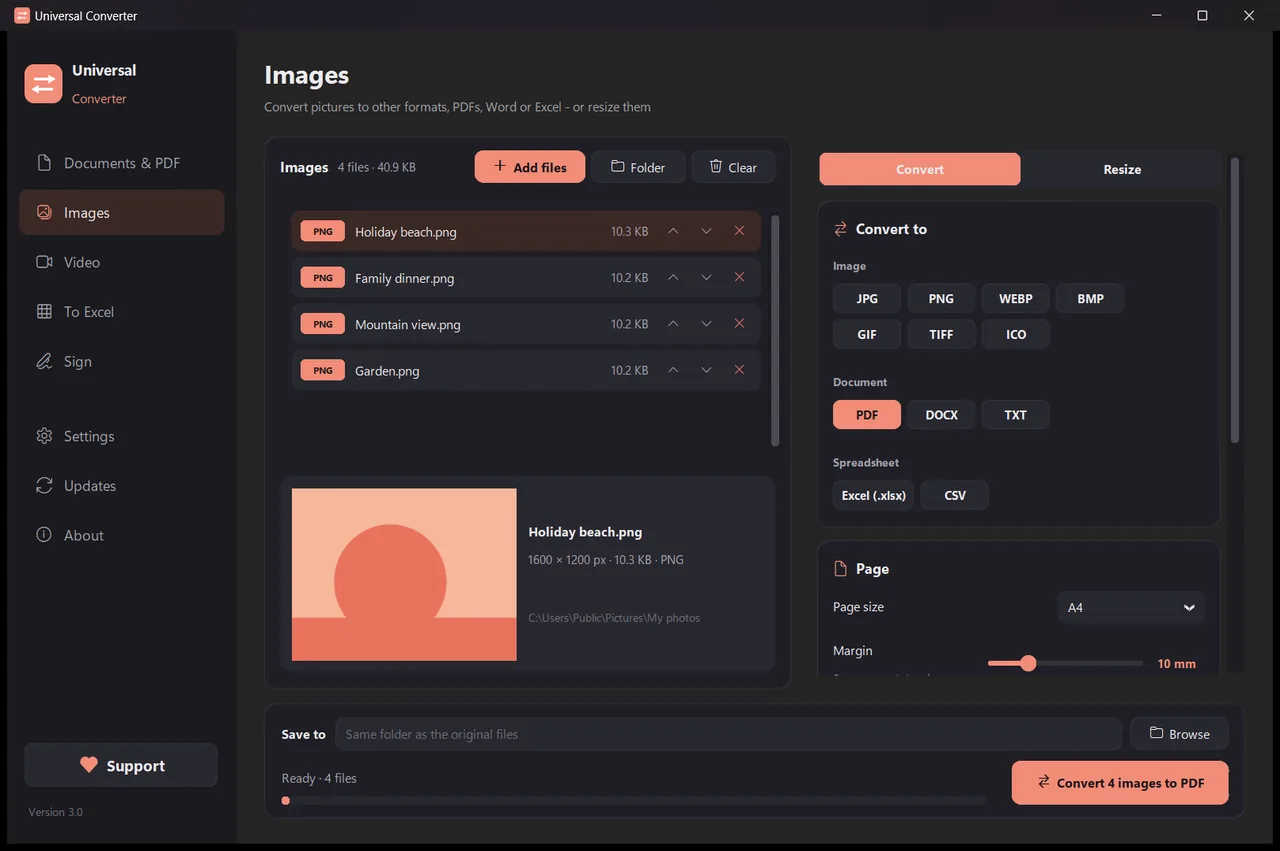
- Open Universal Converter and choose Images on the left.
- Drag your files or a whole folder into the window, or click Add files.
- Switch to Resize at the top and choose pixels, percent or file size.
- Click Convert. The new files are saved next to the originals, or in the folder you choose.
Why do it offline?
Universal Converter does the work on your own device. Your files stay private, big files are no problem, and it works without an internet connection.
More things it can do
- Convert a PDF to Word
- Convert Word documents to PDF
- Combine several files into one PDF
- Compress a PDF to a size you choose
- Convert PDF pages to JPG images
- Turn a scanned document into an editable Word file
- Convert pictures between JPG, PNG, WEBP and more
- Combine photos into one PDF
- Copy the text from a picture (OCR)
- Compress a video without uploading it
- Convert videos between MP4, MKV, WebM, MOV and AVI
- Save the sound of a video as MP3
- Make a GIF from a video
- Pull tables from a PDF into Excel
- Convert a bank statement PDF to Excel
- Extract tables from PDF invoices into Excel
- Sign a PDF
- Fill in a PDF form